Quick tips
- Click the game first. Until it has focus, Space may scroll the page or do nothing.
- Keep your hands off the arrows until you are ready. The timer starts on the first move, and a tilt counts as a move.
- Lean back for landings. The left arrow lifts the front wheel, which should help keep the bike off its nose.
- Use the round arrow icon for a clean retry. It restarts the level at 00.00; Space after a checkpoint keeps the clock running.
Moto X3M controls at a glance
| Key | What it does |
|---|---|
| Up arrow | Throttle. The bike rolls forward. |
| Down arrow | Brake. |
| Left arrow | Leans the bike back. Pressed repeatedly on flat ground without the throttle, it lifts the front wheel so only the back wheel touches the ground. |
| Right arrow | Tilts the bike forward. Pressed repeatedly on flat ground without the throttle, it puts the front wheel down and lifts the back wheel. With the left arrow, it balances the bike in the air and turns it for flips. |
| Space | After a crash, puts you back on the track. On the title screen, it starts the game. |
| Mouse | Click PLAY, a level on the map, the pause button, the restart icon or the Bike Shop icon. |
Moto X3M also runs in phone and tablet browsers.
On the track
Starting a level
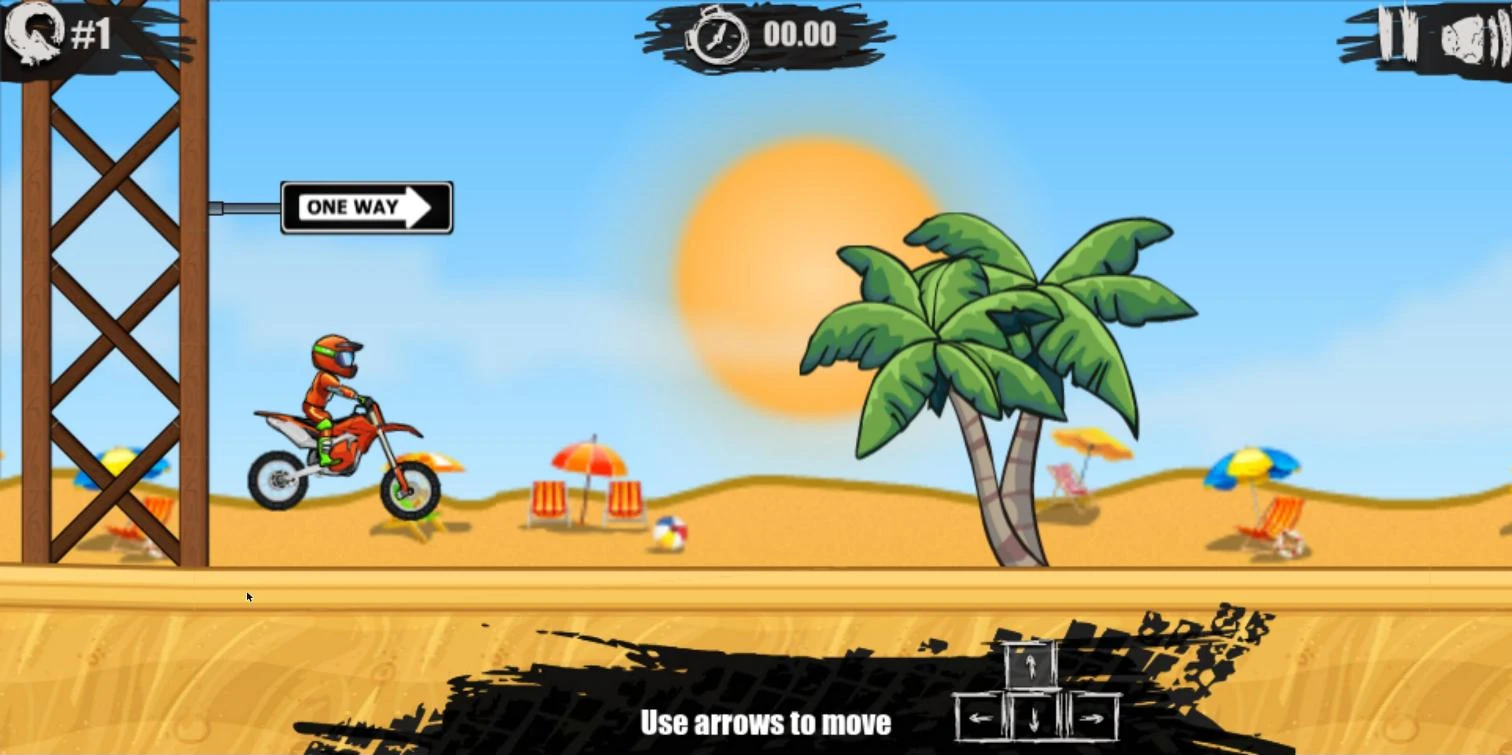
Pick a level on the map. On a new save only level 01 is open, and each finished level opens the next one. Level 1 shows the hint “Use arrows to move”; levels 2 to 5 start without it. The timer reads 00.00 until the bike first moves, and the throttle is not the only key that counts: on levels 1 and 2 we pressed only the right arrow, and the timer began counting. We also left the bike standing at the start of level 2 without touching a key, and the timer stayed at 00.00 the whole time.
When you crash
A crash stops the bike and shows “Press Space to continue”. What Space does depends on where you crashed:
- Before the first checkpoint: you go back to the start of the level and the timer returns to 00.00. In our runs, crashing into the stone wheel early in level 2 sent us back to the start with the timer at 00.00.
- After a checkpoint: you reappear next to the last checkpoint, a roadside pole with a green lamp, and the timer carries on from where it was. We respawned this way in levels 1 and 4.
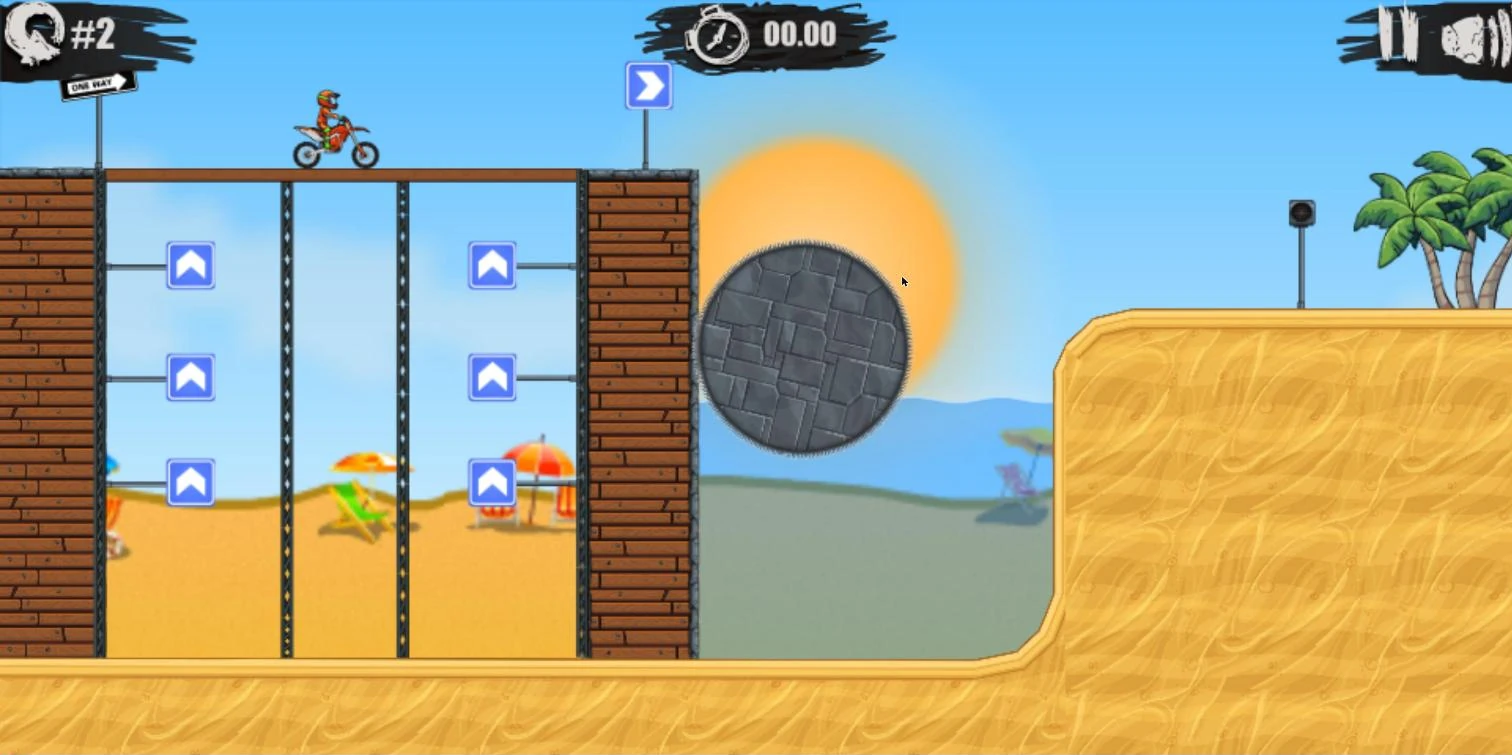
The right arrow can cause a crash on the ground too. On the wooden scaffold at the start of level 2, we kept pressing the right arrow without the throttle, and the bike tipped forward onto the scaffold and crashed.
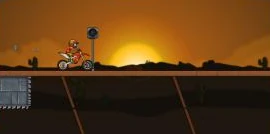
Restarting and pausing
- Restart: the round arrow icon at the top left of the screen sends you back to the start of the level with the timer at 00.00.
- Pause: the pause button at the top right opens a GAME PAUSED screen with two buttons, the level list on the left and continue on the right. Space also continues. There is no restart button on that screen, so use the round arrow icon in the level instead.
A practice plan for your first four levels
Levels 1 to 4 are enough to try the throttle, both kinds of crash recovery, the restart icon and the pause screen. Each step says what to practise and when to move on.
- Level 1, the throttle. Ride the beach course with the up arrow and finish it. Move on when you reach the results screen, where the three stars show 28, 20 and 13 seconds on version 1.5.6p.
- Level 1 again, the checkpoint. Ride past the roadside pole, then crash on purpose and press Space. Move on once you have seen yourself come back beside the pole with the timer still running.
- Level 2, the reset. The level starts on a wooden scaffold with a grey stone wheel to the right. Crash before the first checkpoint and press Space. Move on when you have seen the timer go back to 00.00 at the start.
- Levels 3 and 4, the restart icon and the pause screen. Try the round arrow icon once in each level, and open the pause screen once. Move on when you can restart without going back to the map.
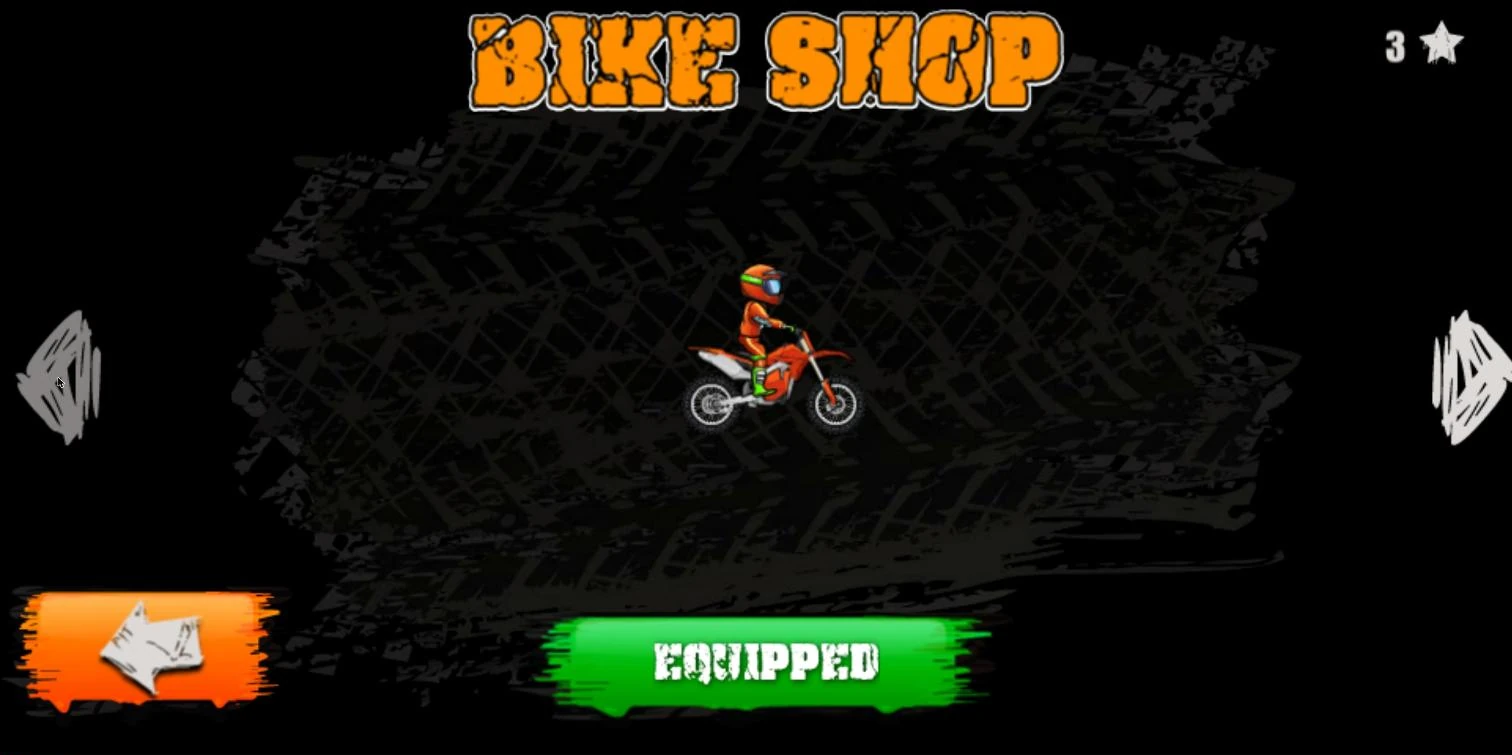
By the end of level 4 you will also have stars to spend; we had 11 after these four levels, enough for the first bike in the Bike Shop.
When the keys do nothing
These are the two problems we ran into, and what fixed them:
- Space scrolls the page or does nothing. The game does not have keyboard focus. Click once inside the game area and press the key again.
- The keys can stop working after an advert. Some game sites play an advert between levels or after a respawn. Once, after the advert ended, the bike would not move until we clicked the game area; after the click the arrows worked again.
To check it is fixed, press the up arrow: the timer should start counting and the bike should begin to move.
Our take: the keys that decide your time
Several keys do more for your star time than their labels suggest.
- A tilt can start your clock. The timer does not move until the bike does, and tilting it is enough, so plan the opening jump before you touch a key.
- The left arrow is your landing key. A hard nose-first landing can crash the bike, and leaning back lifts the front wheel. Keep a finger on it as the bike drops toward the ground.
- Be careful with the right arrow on the ground. It tips the bike forward, and pressed too long on the ground it can tip the bike over; in the air it should help level out a bike that is leaning too far back.
- Space and the restart icon do different jobs. After a checkpoint, Space brings you back with the clock still running; the restart icon starts the level again at 00.00. If a crash has already cost you the star you wanted, the restart icon is the better choice.
- There is no restart on the pause screen. Use the round arrow icon in the level to start over without going back to the map.
For flips, wheelies and other ways to take time off a run, see Moto X3M tricks. To start playing, go back to the Moto X3M game page.
The key behaviour and level unlocking on this page apply to versions 1.5.6p and 1.5.7c of the game, though not every detail to both; the 1.4.6p version on the Moto X3M game page shows the same key hint, pause screen and restart icon.
FAQ
How do you brake in Moto X3M?
Press the down arrow.
What are the controls for Moto X3M?
The four arrow keys and Space. Up rides, down brakes, left leans the bike back, right tilts it forward, and Space puts you back on the track after a crash.
Why does Moto X3M freeze or stop responding to the keys?
In our runs it was because the game had lost keyboard focus, which can happen after an advert. Click once inside the game area and press the up arrow again.
Can you play Moto X3M on a phone?
Yes, in a phone or tablet browser.