Every version compared
| Where it is hosted | Version on the title screen | Levels | Level map | App store badges on the title screen |
|---|---|---|---|---|
| Poki | 1.5.6p | 50 | Scrolls sideways | No |
| Coolmath Games | 1.1.1 | 25 | One screen, 25 level nodes | No |
| CrazyGames | 1.5.7c | Not confirmed | Scrolls sideways | No |
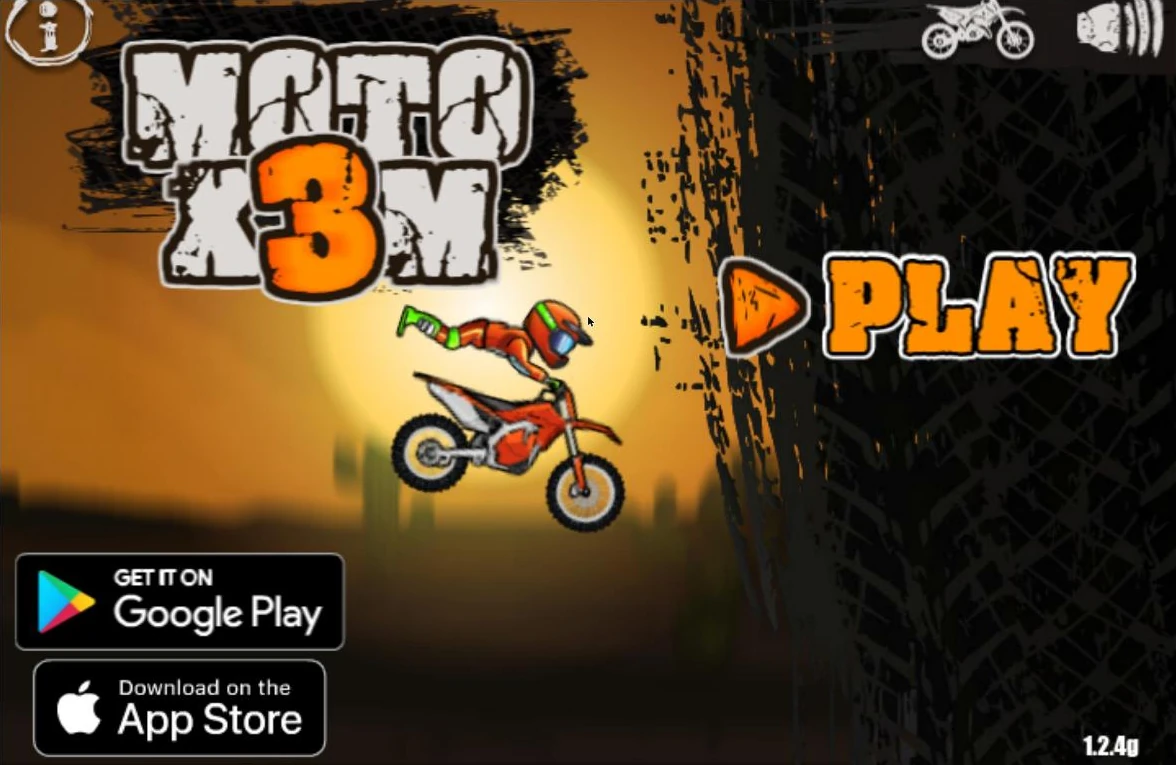
| GameDistribution | 1.2.4g | Not confirmed | Scrolls sideways | Yes, Google Play and App Store |
| GameMonetize (the version on Moto X3M Guide) | 1.4.6p | Not confirmed | Paging arrows on both sides | No |
| MSN Games | 1.5.11pg | Not confirmed | — | — |
| YouTube Playables | 1.5.20pg | Not confirmed | — | — |
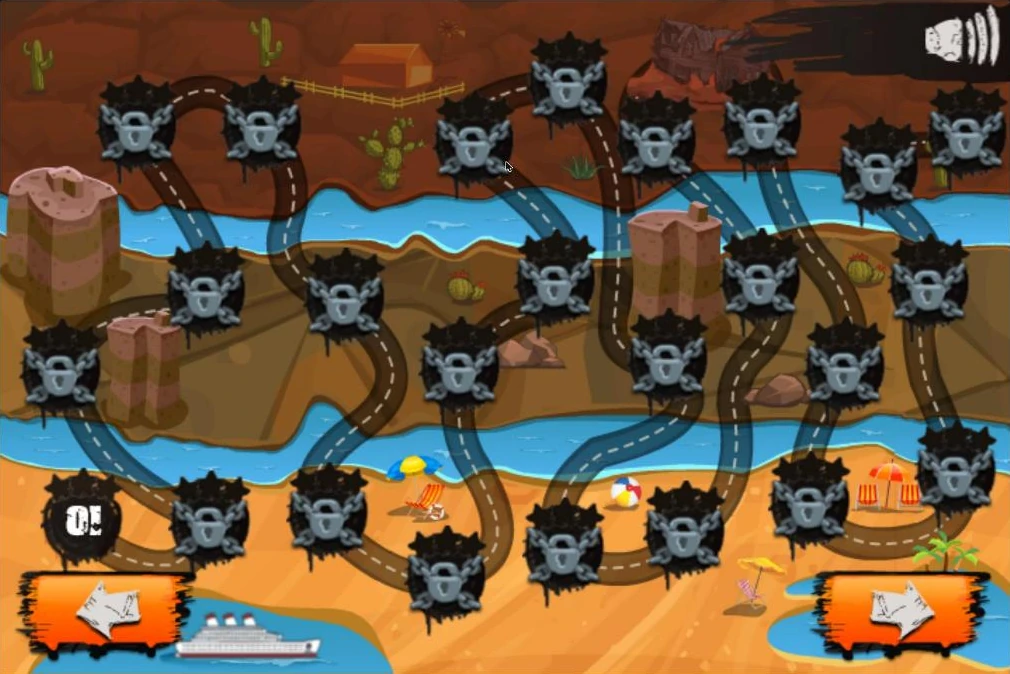
On the scrolling maps, locked levels carry no number, so the level count cannot be read off the map. On the Coolmath Games version the whole map fits on one screen: one open node and 24 padlocked ones.
How to tell which version you are playing
You can identify a version from its title screen and level map in a few seconds.
- Read the number on the title screen. It sits in one of the bottom corners. Compare it with the table above.
- Check which corner it is in. On the Coolmath Games version (1.1.1) and the GameDistribution version (1.2.4g) it is at the lower right; on the others it is at the lower left.
- Look at the top right corner. The Poki, CrazyGames and GameMonetize versions show a bike icon next to the sound icon. The Coolmath Games version shows only the sound icon.
- Look for app store badges. Google Play and App Store badges on the title screen mark the GameDistribution version; it is the only one with a Yes in that column of the table.
- Open the level map. On the Coolmath Games version (1.1.1) the map fits on one screen with 25 level nodes. On the CrazyGames, Poki, GameDistribution and GameMonetize versions the map scrolls or pages sideways.
Where the versions really differ
How many levels
The clearest difference is the level count. The Poki version has 50 levels and the Coolmath Games version 25. A 22-level version exists as well, and speedrun.com keeps a separate 22-level category for it under the Miniclip name. speedrun.com also has categories for a 95-level mobile app version, which Moto X3M Guide does not cover.
Levels open one at a time: a new save starts with only level 01, and finishing a level opens the next.
Whether the levels are the same
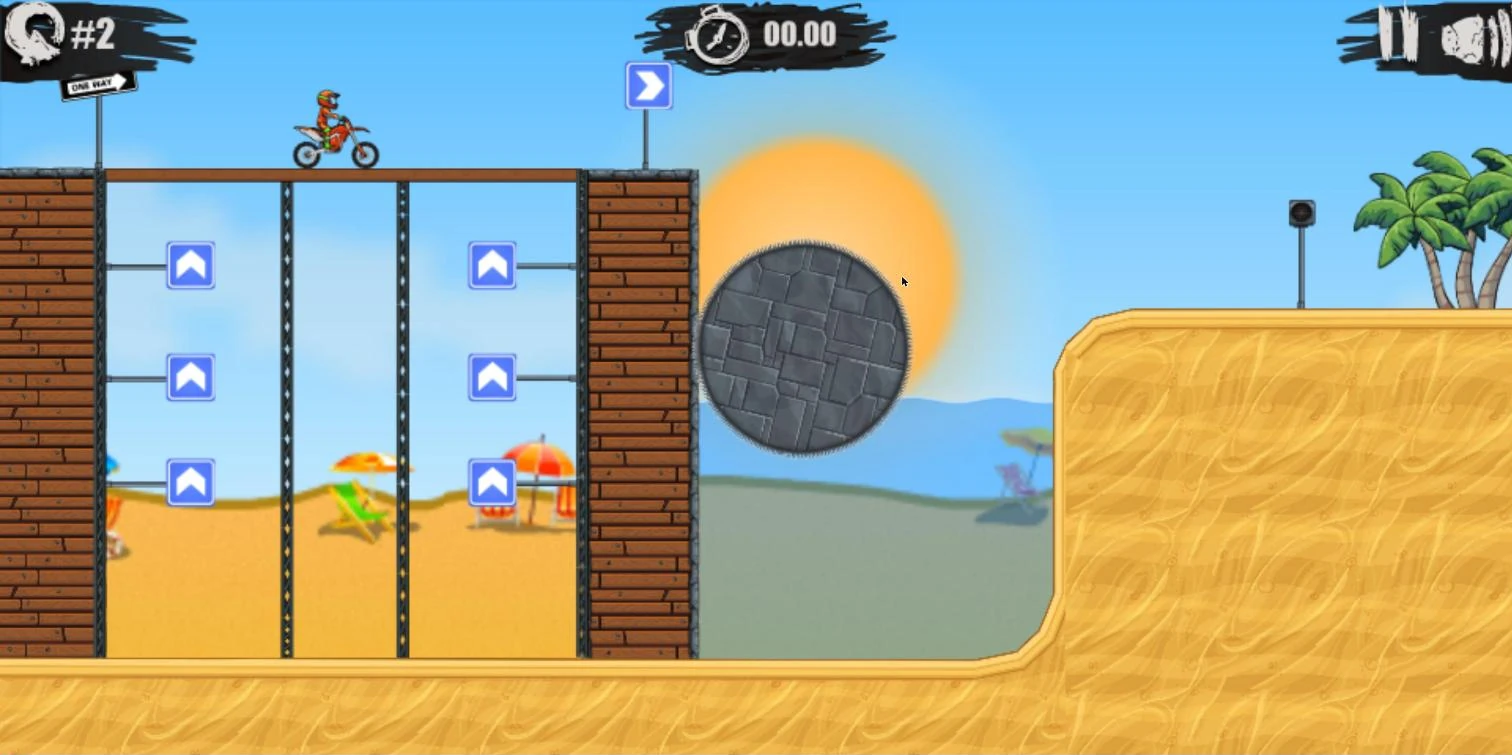
Not always. Level 2 opens the same way on the Poki and CrazyGames versions, with a wooden scaffold, a blue arrow sign and a grey stone wheel. Another version builds level 2 around a wooden structure shaped like a tank instead. A level number does not always mean the same track on another version.
The Bike Shop
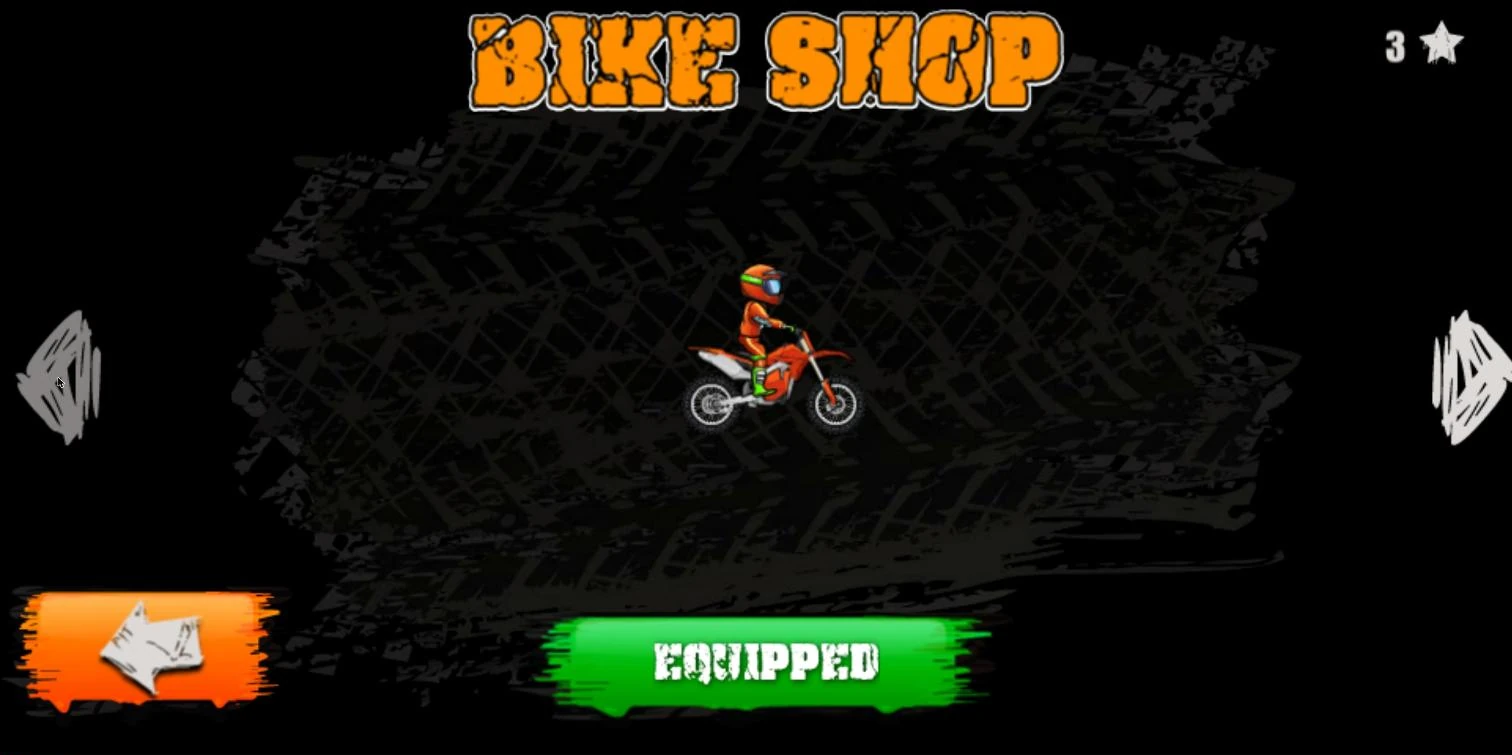
The Poki, CrazyGames and GameMonetize versions sell the same eight bikes at the same prices. The Coolmath Games version has no bike icon on its title screen. Prices are on Moto X3M bikes.
Is there a newer version of Moto X3M?
“New version” can mean two things. The first is a newer build of this game: version numbers differ by site, and the game sites show recent update dates for their pages, May 2026 on CrazyGames, July 2026 on Coolmath Games and May 2025 on Poki. The second is a sequel. Moto X3M has five numbered sequels, from Moto X3M 2 to Moto X3M 6: Spooky Land, listed on Moto X3M games.
Can you play Moto X3M on a phone?
The browser game, yes: it runs in phone and tablet browsers. There is also a separate app, Moto X3M Bike Race Game, on Google Play and the App Store, published by Ace Viral rather than MadPuffers. It is a different product from the browser game.
Common mistakes with versions
- Following a guide made on another version. Level 2 is a different track on at least one other version, so a route for one level number may not fit your track. Check the guide’s version number against your title screen first.
- Counting levels on a scrolling map. Locked levels show no number, and the same padlocks come back into view as the map scrolls, so a count taken from the map is unreliable. Use the level counts in the table instead.
- Treating the app as another version of the browser game. Moto X3M Bike Race Game on Google Play and the App Store comes from a different developer, so its levels and bikes do not tell you anything about the browser versions.
Our take: which version to play
Pick the version by what you want from it.
- You want the most game: play a 50-level version. It has twice the levels of the Coolmath Games version.
- You are following a level guide or a video: play the version it was made on. Level layouts can change between versions, so the same level number can mean a different track.
- You want to speedrun: play the version your category names. Each of the main speedrun.com categories is tied to one version and its level count, as the speedrun guide explains.
- You just want to play now: the version on the Moto X3M game page is 1.4.6p. Its level count is not confirmed yet; its title screen, the opening of level 1 and its Bike Shop look the same as on the Poki version.
Each row of the table applies to the version number shown in it; other builds of the game may differ.
FAQ
How many levels are in Moto X3M?
It depends on the version: 50 on Poki, 25 on Coolmath Games, and 22 on a shorter version.
Which Moto X3M version should I play?
A 50-level version if you want the most levels, or the version your guide or speedrun category uses. See the table above for each version's number.
How do I find out which version of Moto X3M I have?
Look at the bottom corners of the title screen for the version number, such as 1.5.6p or 1.1.1, then match it to the table on this page.